The music app you already use, redesigned in Liquid Glass
Word-by-word lyrics, Sing, shaders behind the player and the lyrics, lyrics on the lock screen and sound controls. Free to install, Plus adds the extras. Your account keeps exactly what its plan gives it.
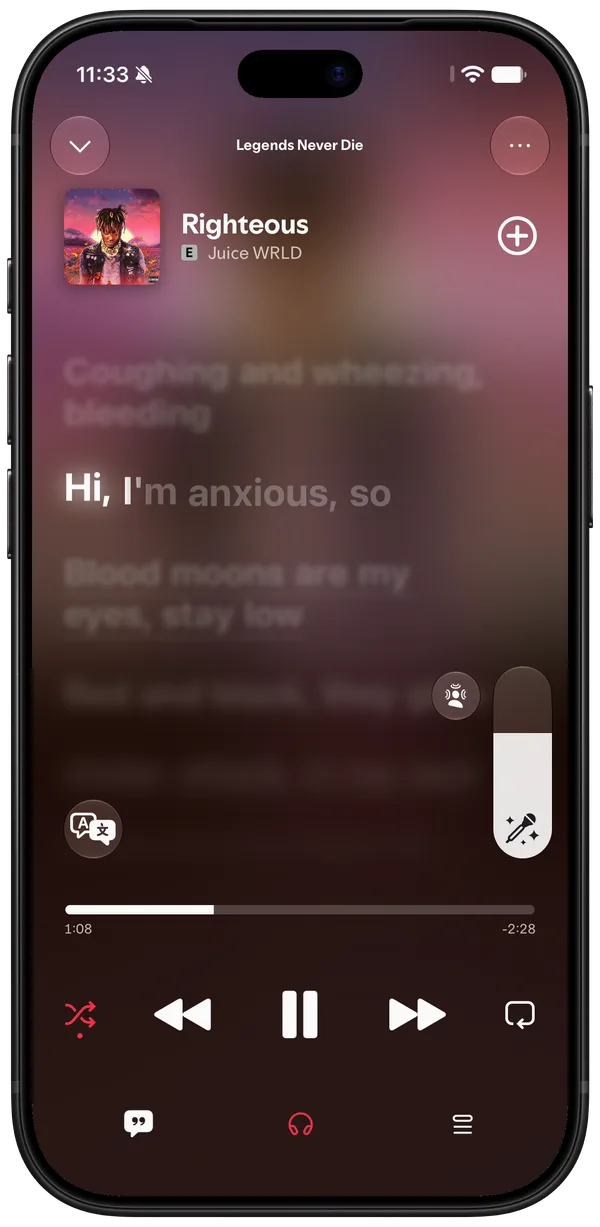
Lyrics, word by word
Each word lights up as it's sung, and the lines around it blur. Tap a line to jump there.
- Translations under each line
- Any language translated on a tap
- Genius annotations for the line you tap
- Arabic and Hebrew the right way round
- Lyrics shaders from the Workshop: neon, fire, chrome, or your own
Neon Neonlyrics shaderInferno Infernolyrics shaderHologram Hologramlyrics shaderChrome Chromelyrics shaderBlueprint Blueprintlyrics shader
Turn it sideways
Turn the phone while the lyrics are up and they get a screen of their own: big lines across the whole width, the controls only when you touch it.
- Its own layout, not the portrait one stretched
- Turn it back and the player is where you left it
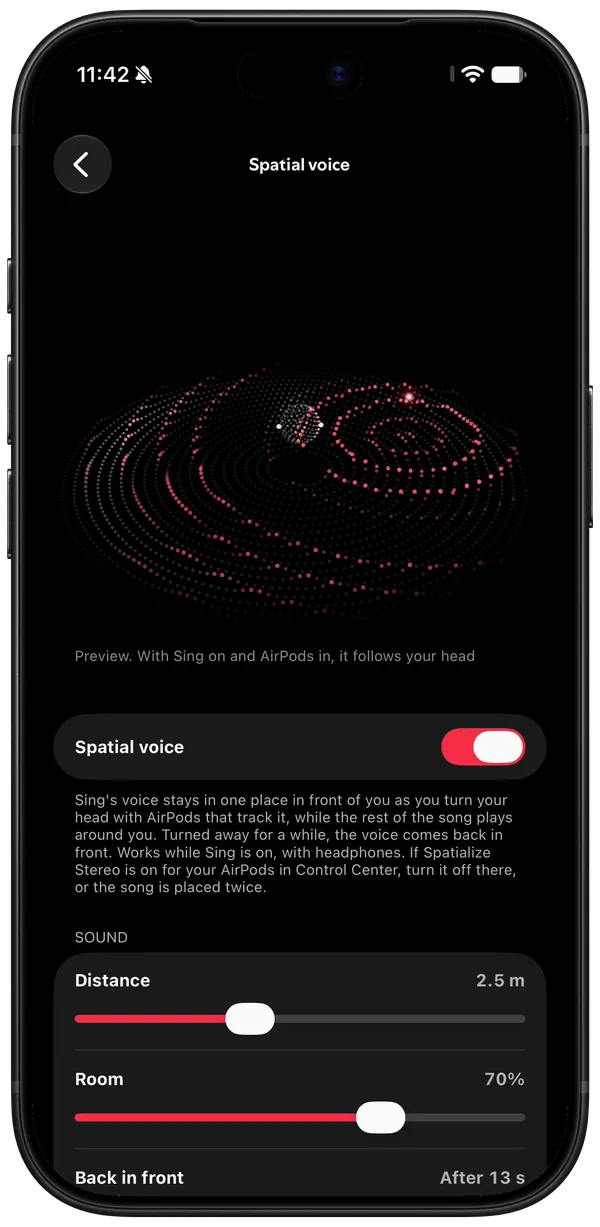
Sing
Turn the vocals down and sing over the song, with the lyrics still in time.
- Vocals anywhere from silent to full
- With AirPods, the voice stays in front of you as you turn your head
Shaders behind the player
The player can draw a shader instead of the plain cover: rings that step out on the beat, smoke that thickens with the bass, an LED wall lit by the spectrum.
- Moves with the song's beat, bass and tempo
- Tilt the phone and some of them lean with it
- New ones from the Workshop, or write your own in the browser
Nebula NebulashaderMosaic MosaicshaderKaleido KaleidoshaderOrbit OrbitshaderSmoke Smokeshader
Lyrics on the lock screen
The line that's being sung becomes the lock screen's artwork, in a style you pick: plain and bold, a spinning record, a poster, a chat.
- Changes with every line, even with the phone locked
- Animated covers on the lock screen too
- Styles from the Workshop, or your own in CSS
Vinyl Vinyllock screen stylePoster Posterlock screen styleMessages Messageslock screen stylePolaroid Polaroidlock screen styleStickers Stickerslock screen style
Covers that move
An album with an animated cover plays it in the player, on its page and on the lock screen.
- Animated covers in the player and on album pages
- A Live Activity with the controls, the queue or a sleep timer
- Like and dislike without unlocking
Artist pages
A full photo at the top, the name over it, and the songs you've liked from them a tap away.
Billie Eilish's artist page Billie Eilishartist pageDua Lipa's artist page Dua Lipaartist pageLaufey's artist page Laufeyartist page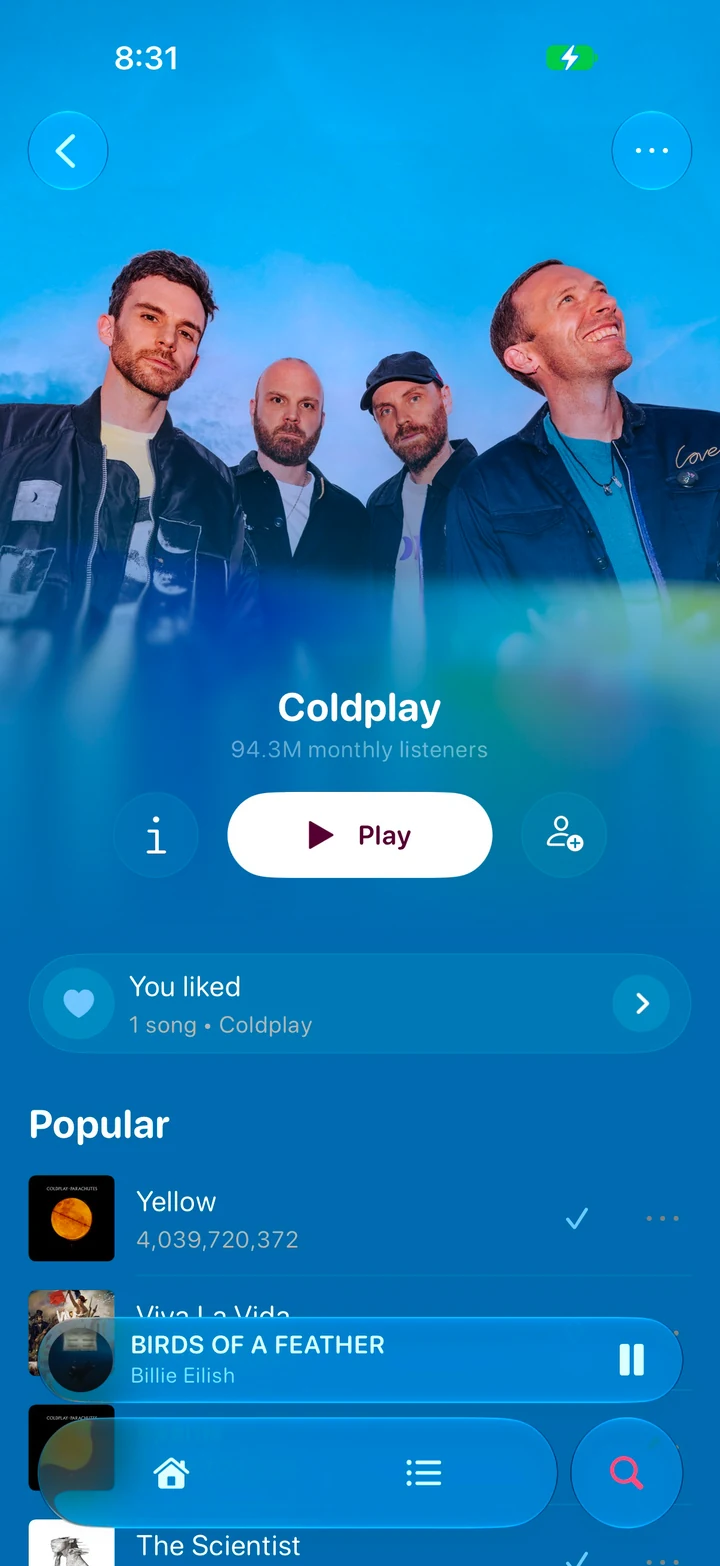
Coldplay's artist page Coldplayartist page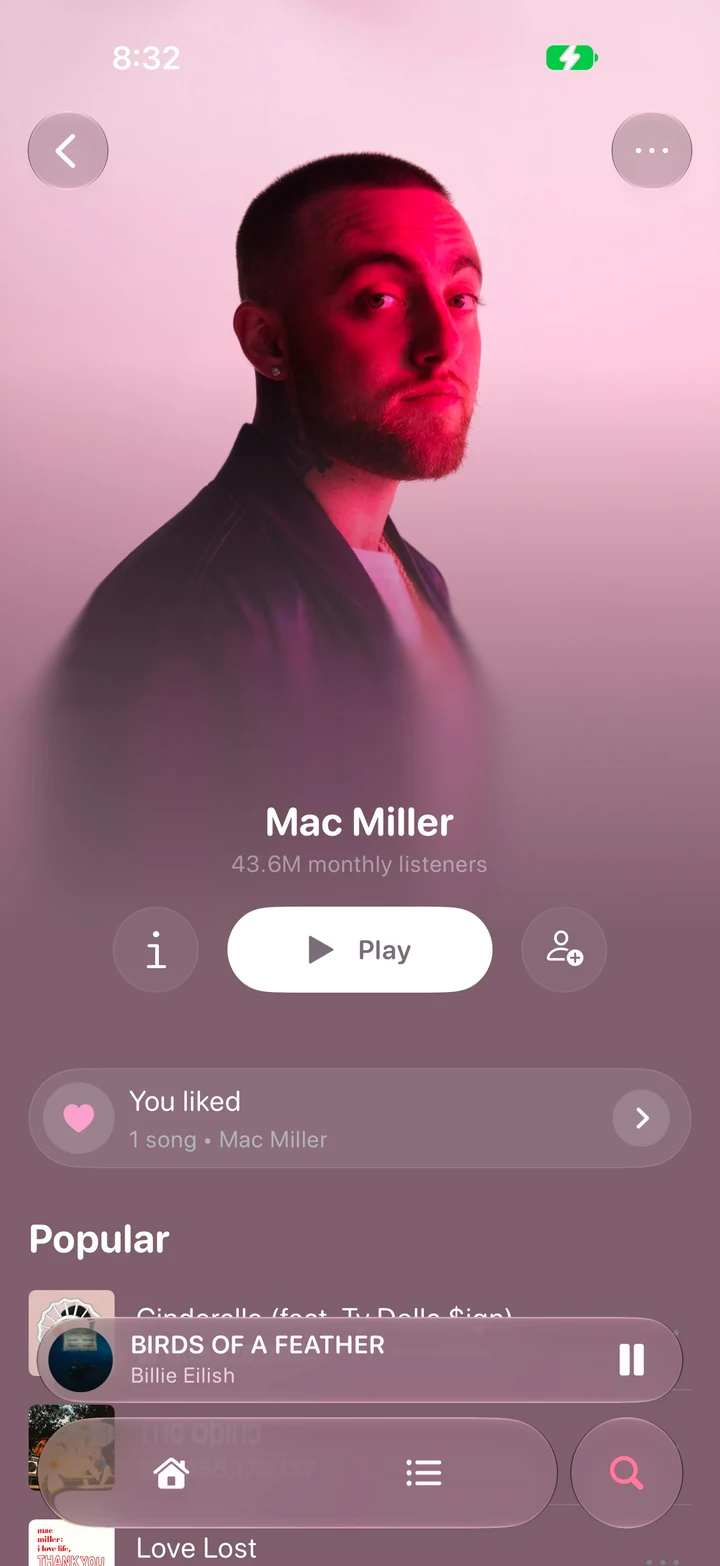
Mac Miller's artist page Mac Millerartist page
On any screen
Open a link on a laptop or a TV and it shows what your phone is playing: the cover, the lyrics word by word, the animated artwork. The sound stays on the phone.
- A link anyone at the party can open
- Control from the browser, only if you allow it
- Nothing to install on the other screen
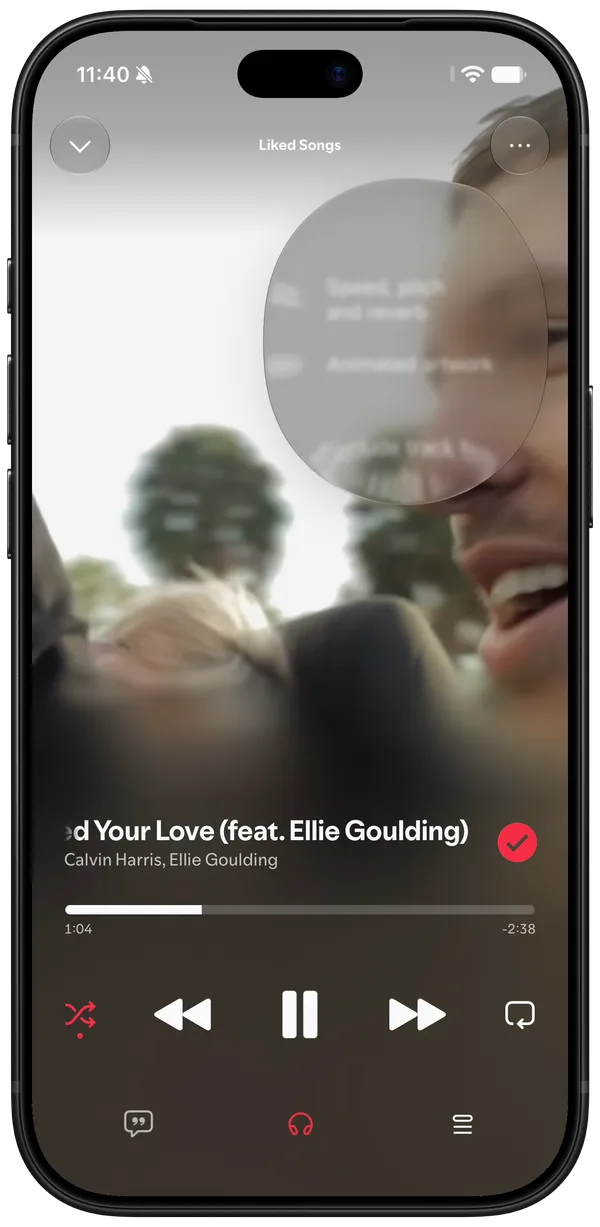
Speed, pitch and sound
Slow a song down and it stays in key, or change the key and keep the tempo. Audio effects run on the app's own audio.
- Reverb, from a small room to a hall
- EQ, bass boost, compander, convolver and more
- AutoEq correction for your headphones, presets from other people
 Warmpreset
 Basspreset
 Vocalpreset
 Electronicpreset
 Late nightpreset
Make it yours
Pick the tabs, their icons and the pages they open, and one font for the whole app.
- A tab for any page, with SF Symbols icons
- Any font, app-wide
- An accent colour and true black
Made by the people who use it
Shaders, lyrics shaders, lock screen styles and sound presets that people make and share. Heart the ones you like and they're one tap away on your phone.
Aurora AurorashaderClassic Classiclock screen style- Warmpreset
Neon Neonlyrics shaderDuotone Duotonelock screen style
What Chroma is, and what it isn't
Chroma is a redesign of an app you already have: a new interface, more settings, and features of its own on top. What your account can do stays exactly what its plan gives it.
The full list is in the terms- Nothing paid is unlocked.
- A free account keeps its limits and its ads.
- AutoMix needs Premium.
- It works only while the account signed in has Premium. Without it AutoMix doesn't run at all, with Plus or without.
- No music is downloaded.
- Effects, speed and Sing change the sound as it plays, on the phone. Audio is never saved or sent anywhere.
- Plus isn't Premium.
- It pays for Chroma's own features and never stands in for a subscription.
Install Chroma
Patch your IPA right here in the browser, or build it on GitHub. No Mac needed.
tested on app version 9.1.98